7 Ways to Use UGC, From Product Pages to Retail Pitch Decks
You ran the campaign. The creator videos are in. They looked great on the creators' feeds... and now they're sitting in a Google Drive folder collecting dust 😬
Here's the thing: UGC (user-generated content) works way harder than one organic post. The best CPG brands treat every creator video as a reusable asset and put it everywhere shoppers make decisions, online, in their inbox, and even in front of retail buyers.
The short answer: brands can use UGC on product pages, organic social, paid social ads, creator whitelisting, email and SMS, B-roll libraries, and retail pitch decks. Here's how to do each one.
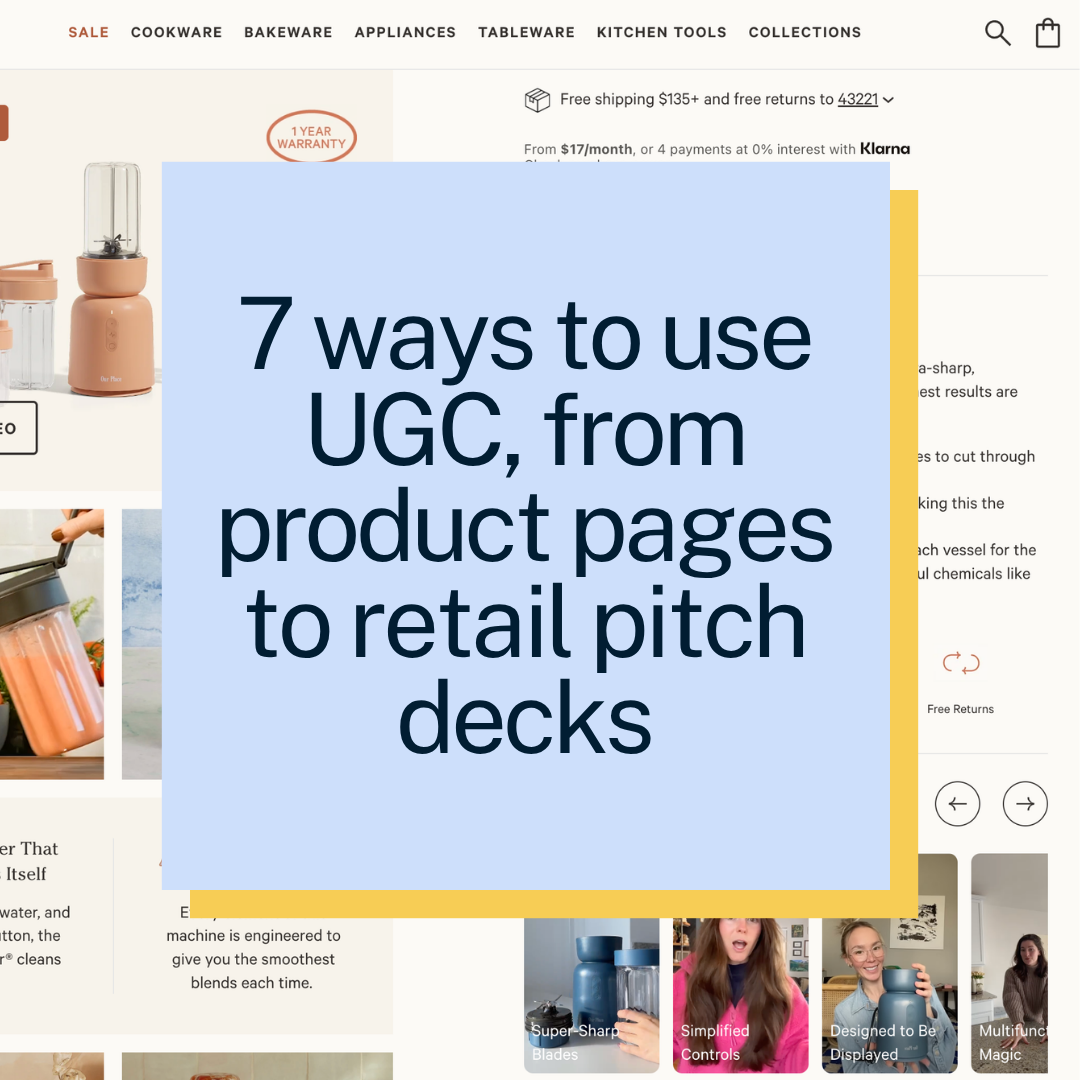
1. Website and Product Pages 🛍️
What it is: Putting creator videos right on your site, where shoppers are deciding whether to buy.
How to use it: Embed unboxings, try-ons, and video reviews in your product page galleries. Seeing a real person use the product answers questions a product photo can't.
Why it works: Shoppers get to see your product in action from a real customer's point of view. Less uncertainty means more confident buying, and fewer returns.
2. Organic Social Posting 📱
What it is: Posting creator videos to your own brand feeds (Reels, TikTok, Shorts) without paying to promote them.
How to use it: Fill your content calendar with relatable creator posts to keep your feed active, engage your existing followers, and stay consistent without filming everything in-house.
Why it works: It turns creator content into an ongoing stream of social proof that keeps your brand top of mind between purchases.
3. Paid Social Ads 🎯
What it is: Putting ad spend behind creator videos to reach new audiences beyond your followers.
How to use it: Take your top-performing creator posts and scale them into direct-response ads across Meta, TikTok, YouTube Shorts, and Pinterest to drive cold traffic and sales.
Why it works: Authentic, relatable creative connects with the right people, which makes cold audiences way more likely to convert than with a polished brand ad.
4. Creator Whitelisting 💸
What it is: Running paid ads through the creator's actual profile instead of your brand account.
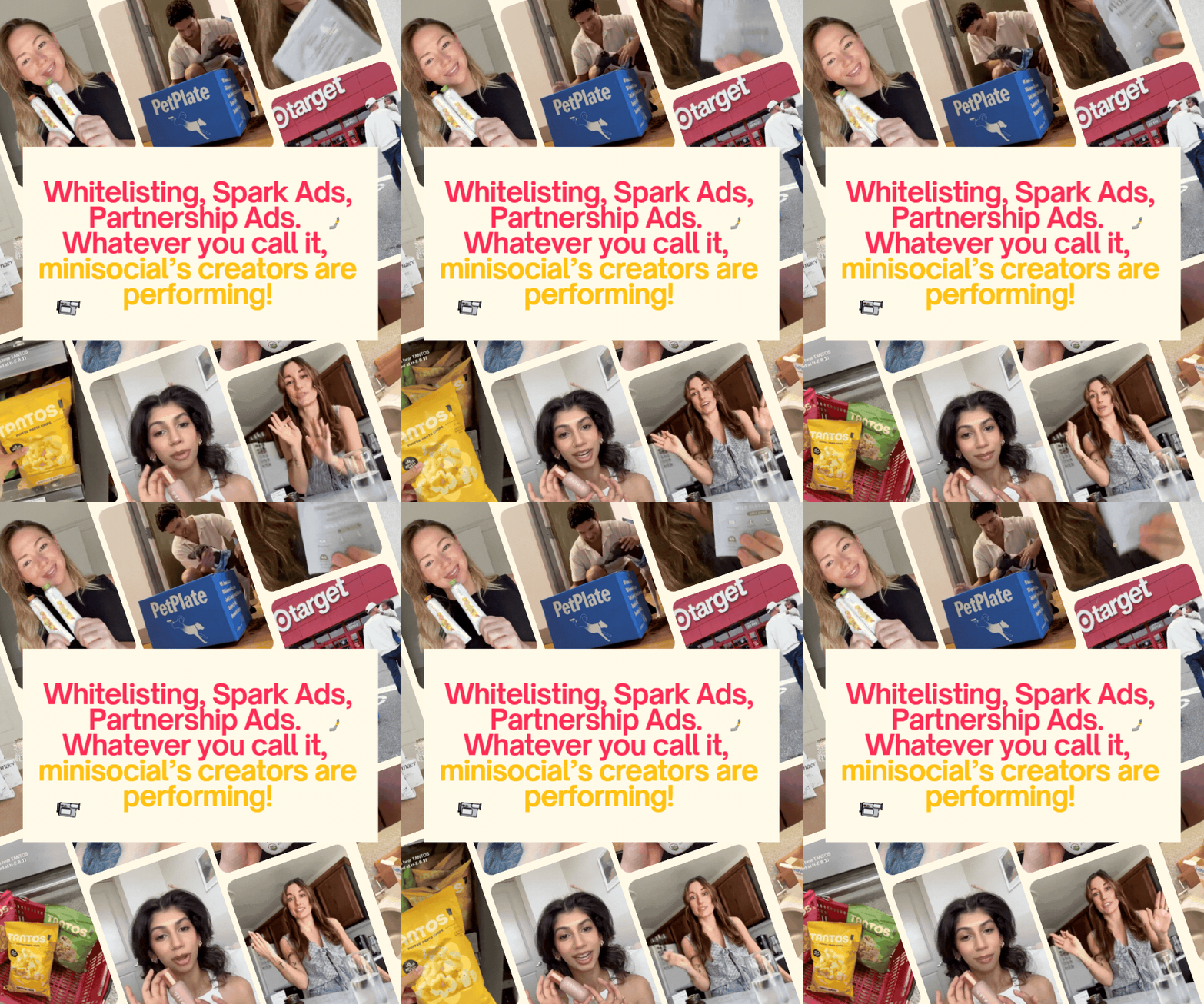
How to use it: With minisocial, each creator provides a unique partnership code right in your dashboard. Use it to activate Meta Partnership Ads or TikTok Spark Ads during your 30-day whitelisting window.
Why it works: The likes, comments, and shares from the creator's original post carry over into your ad. That built-in engagement builds trust and lowers purchase friction.
5. Email and SMS Campaigns 💌
What it is: Adding creator content to your automated customer messages.
How to use it: Drop short video GIFs or screenshot testimonials into your welcome series and abandoned cart emails to drive clicks.
Why it works: Your brand messages start to feel like trusted recommendations instead of another promo, which helps you cut through inbox fatigue right when someone's on the fence.
6. B-Roll Asset Harvesting 🎬
What it is: Pulling individual shots out of creator footage, like close-ups, textures, and reaction faces.
How to use it: Save these clips to your media library and use them as background footage in future promos, tutorials, and brand videos.
Why it works: The moments most brands overlook become a flexible asset library you can remix into endless new creative.
7. Retail Pitch Decks and Buyer Presentations 📊
What it is: Using creator content and social proof to show retail buyers that real consumers want your product.
How to use it: Add creator videos, testimonials, and engagement metrics to your retailer pitch decks to bring your product to life and strengthen your case for shelf space.
Why it works: Buyers want proof of demand. Creator content shows them the audience appeal and sales potential behind your brand, not just a sell sheet.
The bottom line
One creator video can do 7 jobs. If you're only posting UGC once, you're leaving a lot on the table. Plan where each video will live before your campaign even starts, and every dollar you spend on creators goes further.
Quick FAQ
What is UGC?
UGC, or user-generated content, is photo and video content created by real people (often creators or customers) featuring a brand's product. Brands use it because it feels more authentic and trustworthy than traditional brand ads.
Where should CPG brands use UGC?
The most effective places are product pages, organic and paid social, creator whitelisting, email and SMS, B-roll libraries, and retail pitch decks. Using the same content across multiple channels gives you more return on every video.
Can I use creator content as ads?
Yes, as long as you have usage rights. Every minisocial campaign includes licensed content plus a 30-day whitelisting window, so you can run top posts as Meta Partnership Ads or TikTok Spark Ads.
How can UGC help with retail buyers?
Creator videos and engagement metrics show buyers real consumer demand. Adding them to your pitch deck helps prove your product will move off the shelf.
Ready to rock n' roll? 🎸
minisocial has run creator campaigns for over 1,000 brands since 2018. Get UGC, micro-influencer, and ad-ready content you can use everywhere, with no-commitment campaigns.